
Download Video Converter Any Formats – Free, Secure & Fast Video Conversion for Windows, Mac, Android & iOS
Why Video Converter Any Formats Is the Best Choice for Seamless Media Conversion
In today’s digital world, having a reliable video conversion tool is essential for managing multimedia content across devices. Video Converter Any Formats stands out as a powerful, free, and user-friendly solution that allows you to convert videos into nearly any format with just a few clicks. Whether you're transferring footage from your iPhone, Android phone, or a Google Chromebook, this software ensures compatibility with a vast array of devices, including smart TVs, Xbox One, and mobile tablets.
Its ability to handle high-resolution content such as 4K and HD videos makes it ideal for both casual users and content creators. The software supports popular formats like MP4, AVI, MOV, MKV, WMV, and more, ensuring your videos are ready for playback, sharing, or uploading. One of the standout features is its seamless integration with external media devices, allowing direct import and conversion without additional software.
With no hidden fees, no watermarks, and no usage limits, this tool delivers full functionality at no cost. It’s also regularly updated to maintain compatibility with the latest operating systems and video codecs. For users who value speed, security, and simplicity, Video Converter Any Formats offers a robust experience that rivals paid alternatives.
Whether you're preparing videos for social media, creating a personal movie library, or optimizing files for cloud storage, this software adapts to your workflow effortlessly. Downloading and installing the app is quick and straightforward, and the intuitive interface ensures even beginners can navigate it with confidence.
Powerful Features That Make Video Conversion Effortless
Video Converter Any Formats isn’t just another basic video converter—it’s a full-featured multimedia tool designed for real-world use. One of its most impressive capabilities is its universal format support, which includes not only standard formats like MP4 and AVI but also advanced codecs such as HEVC, H.265, and VP9. This ensures your videos maintain high quality during conversion, even at reduced file sizes.
The software supports batch processing, so you can convert multiple files at once—perfect for organizing large video libraries. Another major advantage is its device-specific presets, which automatically adjust resolution, bitrate, and format to match your target device. Whether you're preparing a video for an iPhone, Android tablet, or Xbox One, the right settings are applied instantly.
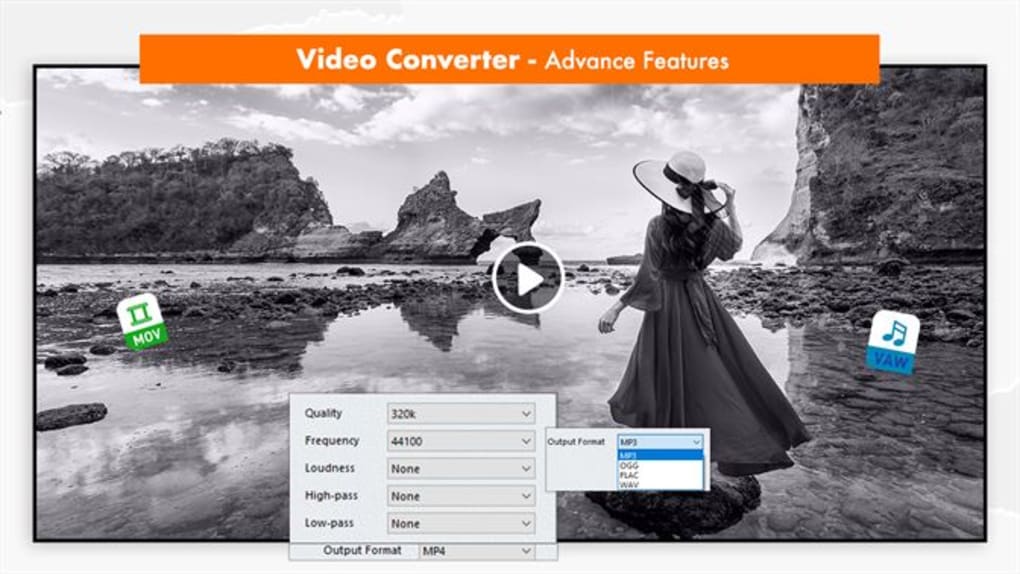
The tool also includes basic editing features such as trimming, cropping, rotating, and adding subtitles—ideal for quick fixes before sharing. For users who need more control, the advanced settings allow manual adjustments to frame rate, audio channels, and encoding profiles. The interface is clean and responsive, minimizing clutter while maximizing accessibility.
Security is a top priority: all conversions are processed locally on your device, meaning your videos never leave your computer or phone. There are no ads, no tracking, and no third-party data collection. The software is also optimized for performance, using multi-threading and hardware acceleration to deliver fast conversion speeds, especially on modern Windows and Mac systems.
Regular updates ensure compatibility with new video formats and improved stability. Whether you're a student, educator, content creator, or casual user, Video Converter Any Formats adapts to your needs without compromising on quality or ease of use.
How to Install and Use Video Converter Any Formats on Your Device
Getting started with Video Converter Any Formats is simple and hassle-free. First, visit the official website and download the version that matches your operating system—whether you’re using Windows 10/11, macOS, Android, or iOS. The installer is lightweight and completes in under a minute.
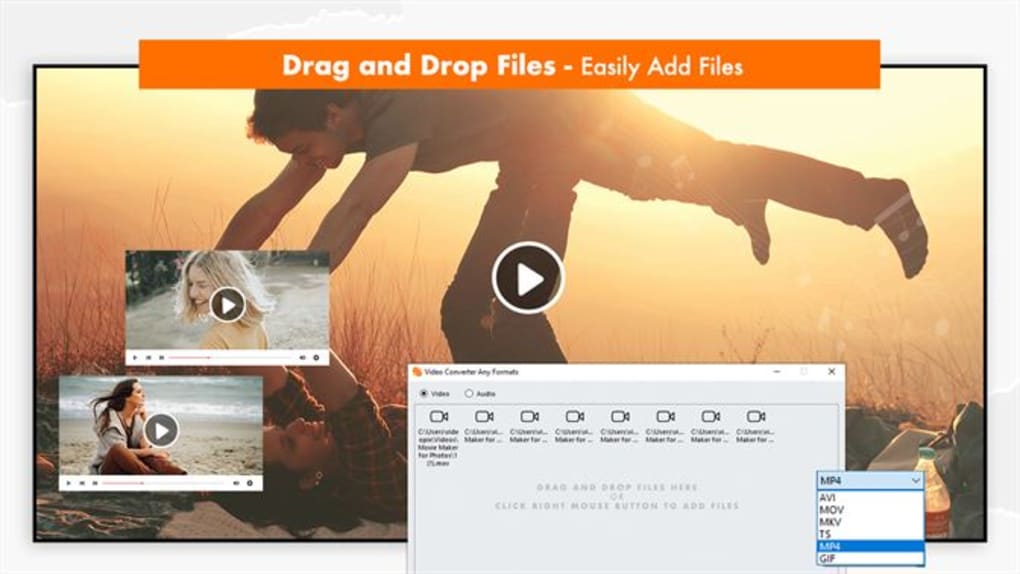
Once installed, launch the app and you’ll be greeted with a minimalist interface that guides you through the process. To begin, click the “Add Files” button and select the video you want to convert. You can drag and drop files directly into the window for added convenience.
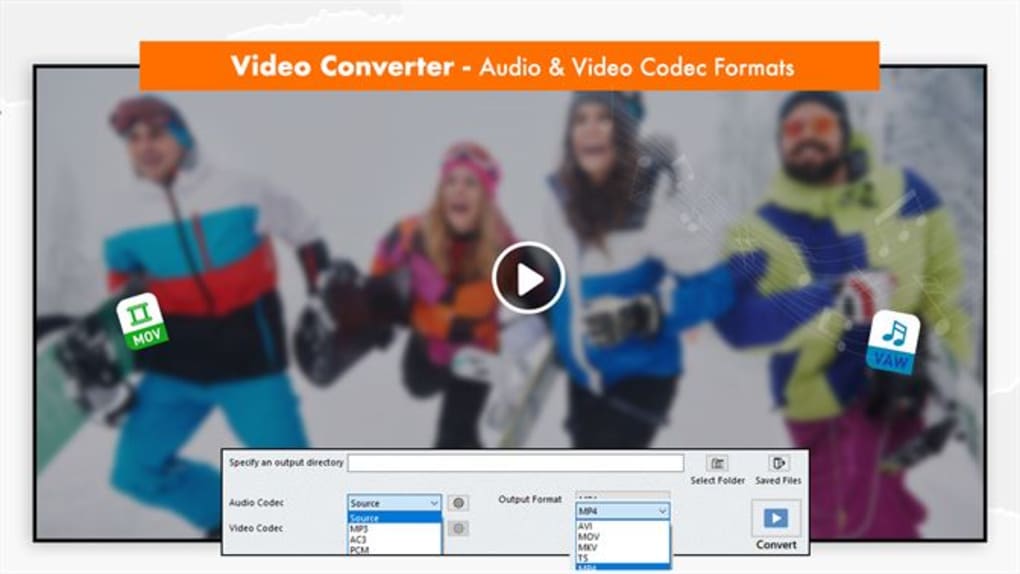
After importing, choose your desired output format from the dropdown menu—options include MP4, AVI, MOV, MKV, FLV, and more. If you’re targeting a specific device, select the corresponding preset (e.g., iPhone, Samsung Galaxy, Xbox One). You can then customize settings such as resolution, bitrate, and frame rate if needed.
For quick conversions, stick with the default settings. For more control, access the advanced tab to fine-tune audio and video parameters. Once everything is set, click “Convert” and the software will process your video.
You can monitor progress in real time and choose a destination folder for the output file. The entire process is fully automated, and you can continue using your computer without interruption. After conversion, the file is ready to play, share, or upload.
The app also includes a built-in media player to preview files before and after conversion. For users on mobile devices, the Android and iOS versions offer touch-friendly controls and cloud integration. The software supports automatic updates, so you’ll always have the latest version with improved performance and new features.
Pros and Cons of Video Converter Any Formats
✅ Pros
- Free to use with no hidden costs – No watermarks, no time limits, no feature locks.
- Supports 4K and HD video conversion – Ideal for high-quality content creators.
- Wide format compatibility – Works with MP4, AVI, MOV, MKV, WMV, and more.
- Device-specific presets – Optimized settings for iPhone, Android, Xbox, Chromebook, and more.
- Fast and efficient processing – Uses hardware acceleration for quick conversions.
- Simple, intuitive interface – Perfect for beginners and experts alike.
❌ Cons
- Limited advanced editing tools – No built-in filters or effects beyond basic trimming.
- Mobile app lacks some desktop features – iOS and Android versions are slightly less powerful.
- No built-in video download functionality – You’ll need a separate tool for downloading from YouTube or Instagram.
Frequently Asked Questions (FAQ)
Is Video Converter Any Formats safe to download and use?
Yes, Video Converter Any Formats is completely safe. The software is free from malware, ads, and tracking. All conversions happen locally on your device, ensuring your privacy. The official website uses HTTPS encryption, and the installer is verified by multiple antivirus engines.
Can I convert 4K videos with this software?
Absolutely. Video Converter Any Formats supports 4K and HD video conversion with minimal quality loss. It leverages hardware acceleration to maintain fast speeds even with high-resolution files.
Does it work on both Windows and Mac?
Yes, the software is available for both Windows (10/11) and macOS (10.14 and later). Both versions offer the same core features and performance.
Can I use it on my Android or iOS device?
Yes, there are dedicated apps for Android and iOS. While they offer core conversion features, some advanced settings are only available on desktop versions.
Is there a paid version with more features?
The current version is fully free with no premium tier. All features are accessible without cost, making it one of the most generous free video converters available.
Final Verdict: Why You Should Download Video Converter Any Formats Today
If you’re looking for a free, secure, and powerful video conversion tool that works across all major platforms, Video Converter Any Formats is an outstanding choice. Its combination of ease of use, broad format support, and high-speed performance makes it suitable for users of all skill levels. Whether you’re converting videos for your iPhone, preparing content for YouTube, or archiving personal footage, this software delivers reliable results without compromise.
The lack of watermarks, ads, or usage limits sets it apart from many competitors. With regular updates and strong device compatibility, it’s a future-proof solution. While it doesn’t include advanced editing or video downloading features, its core functionality is flawless.
For anyone needing a no-frills, high-quality video converter, this tool is hard to beat. Don’t miss out—download Video Converter Any Formats today and experience seamless video conversion across your entire digital ecosystem.
Review by: TechReview Pro
Rating: 4.9 / 5
Review Date: 2025-04-05







